Chapter 3 HOW TO USE
This chapter contains the following sections:
HOW TO USE

Step 1: Search for 'SAFElER' in the App store or Googleplay and download the 'SAFEIER' App.

Step 2: Turn on the Bluetooth function of the phone.
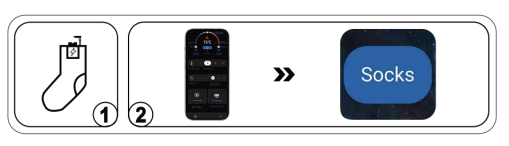
Step 3:Connect the device. 1.Firstly , connect the power cord to the battery. 2.Open the application and it will automatically match and connect to the device. When the following icon turns blue, indicating that the application is connected to the device, it is turned on and heating up.
Step 4:Select your heating mode on the APP.
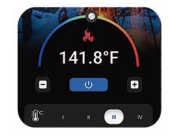
(1) Auto heating mode. After the device is connected to APP, the heating sock starts to heat up automatically, you can slide the gear to adjust the temperature you want.

(2) Rapid heating mode. Click "heating"at the bottom left corner of the APP, the device automatically switches to the fourth gear and heats up quickly for 2 minutes, and then turns on the automatic keep warm mode.
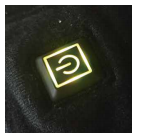
If you don't want to use the app, you can also control it directly using the switch on the sock.
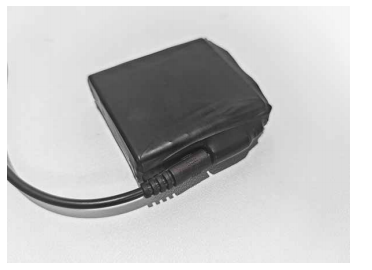
Step 1: Fully charge the batteries with the charger before first use.
Nota:When charging, the adapter will light up red.
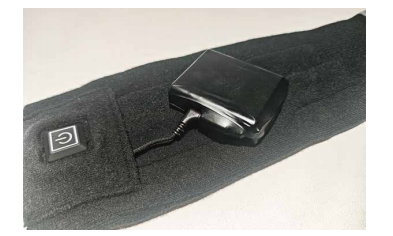
Step 2: Connect the battery wires inside the socks to the battery interface.
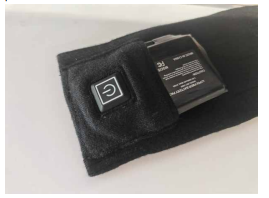
Step 3: The socks have pockets designed to hold batteries, which can be placed inside when in use.
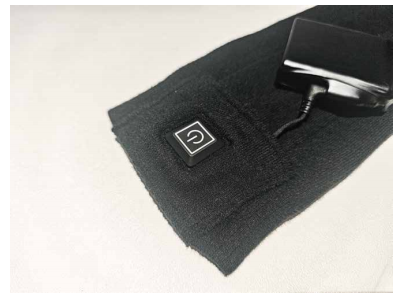
Step 4:Long press the button on the socks to turn on/off.
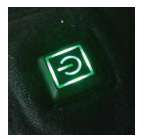
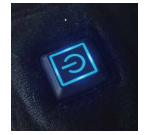
The setting can be changed by briefly pressing the power switch on the sock. The sequence is highest (red: 149-158°F) - second highest(green:131-140°F)-medium (blue:122-131°F) - low (yellow:113°F).
Nota: The initial gear position is the same as the gear position when you turned it off.
Red:149-158°F
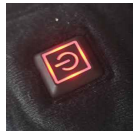
Green:131-140°F
Blue:122-131°F
Yellow:113°F